The Help section is where you correspond with support about your questions and read platform notifications.
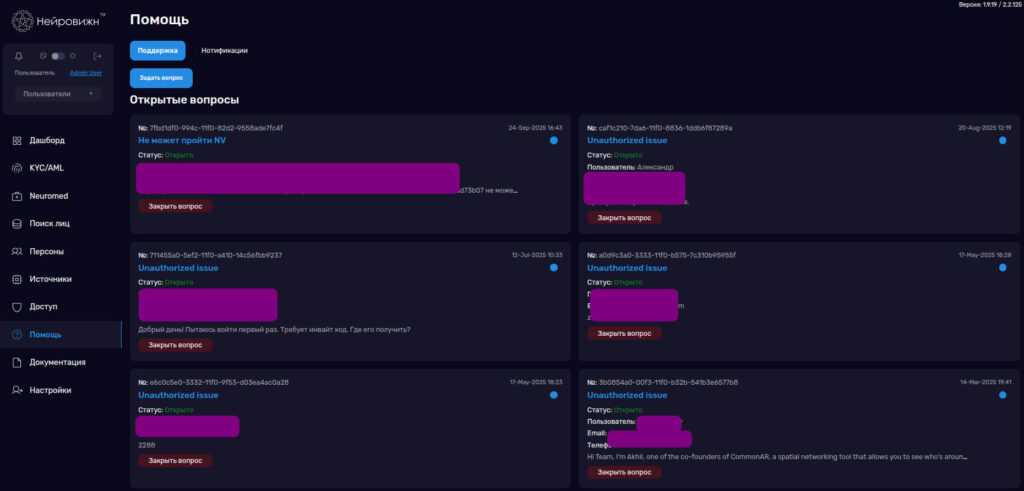
Support and notifications
The section has two tabs: "Support" and "Notifications".
Support
Asking a question
- Click "Create issue".
- Fill in the "Title" and "Description" fields.
- Submit the question — it appears in the list of open ones.
Question lists
Questions are split into "Opened issues" and "Closed issues"; an empty list is not shown. A question card shows its number, date, title, status — "Opened" or "Closed", author and description; an unread reply is marked with a blue dot. "Close issue" closes a resolved question, "Reopen issue" opens a closed one again.
Conversation
Click a question card to open the conversation with support. Type in the "Type your message" field and click "Send".
Notifications
The "Notifications" tab collects platform notifications. On a computer you can also open them from the bell icon in the top bar of the account. When there are no notifications, "No notifications" is shown.